What it does
- Fixed columns in the order of your page; natures of work from a starter list, plus your own.
- Active on “3 projects”: a click names them and opens any of them.
- The client’s Consultant / Vendor box: pick consultants for all the client’s projects or one; nothing is typed in.
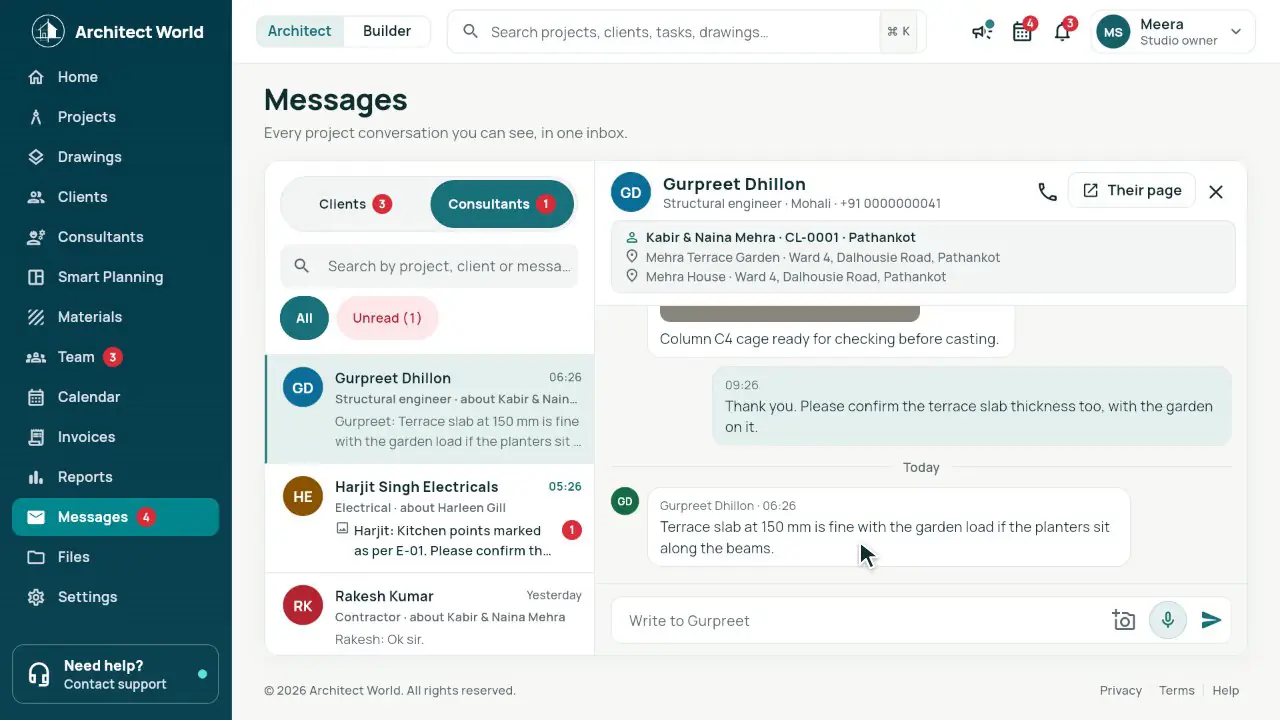
- Chat inside Architect World, per client, with site photos; it counts in Messages and in Home’s chats to reply.
- Their own link with a name and mobile once: only their clients, sites and chats, never money.
In the app
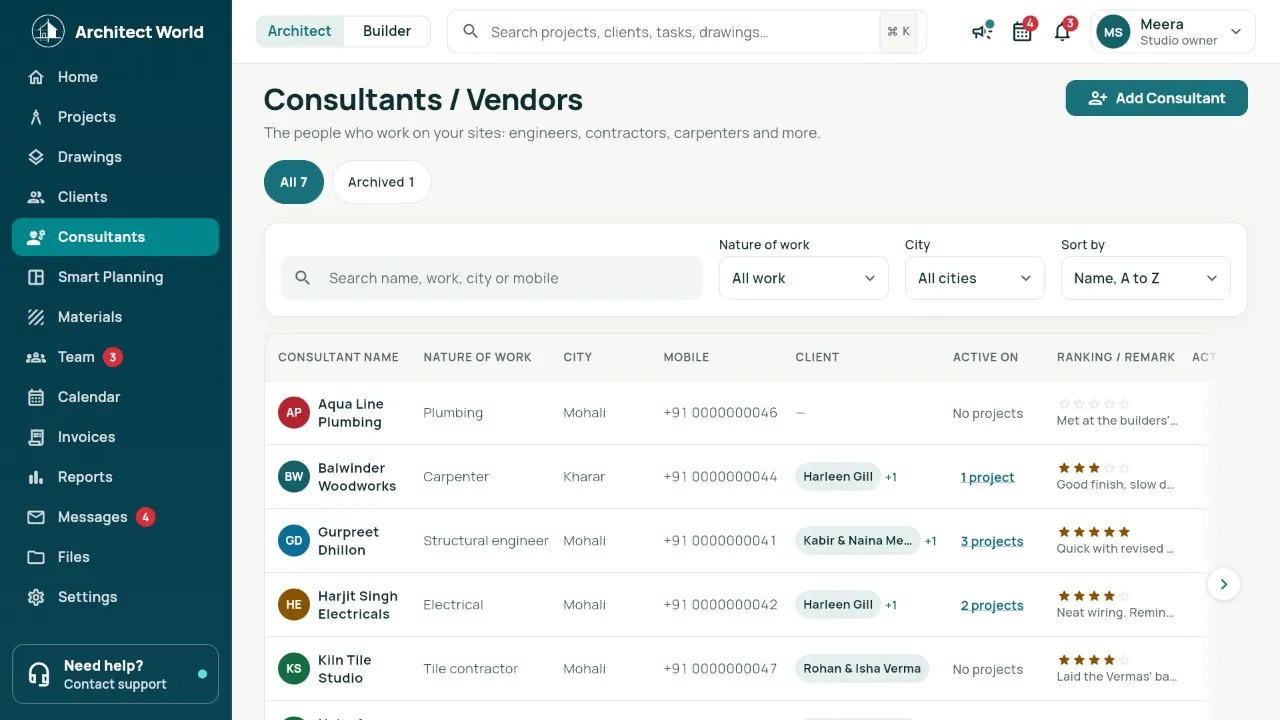
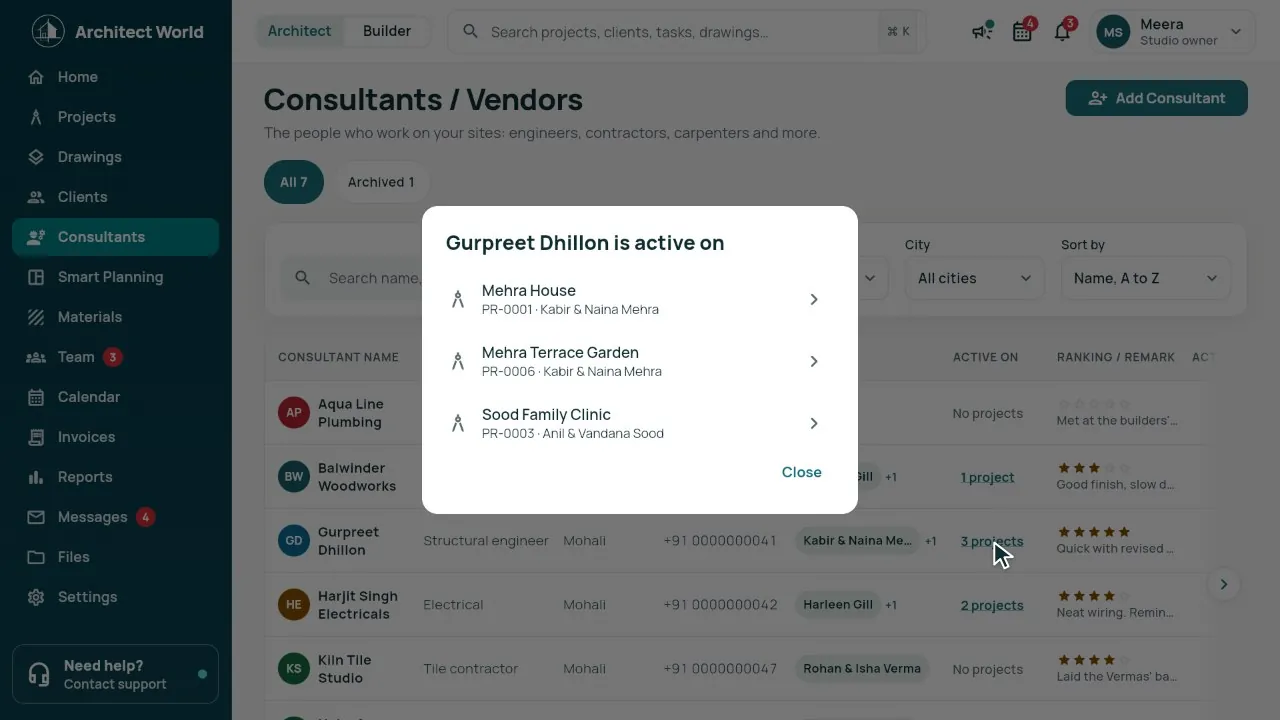
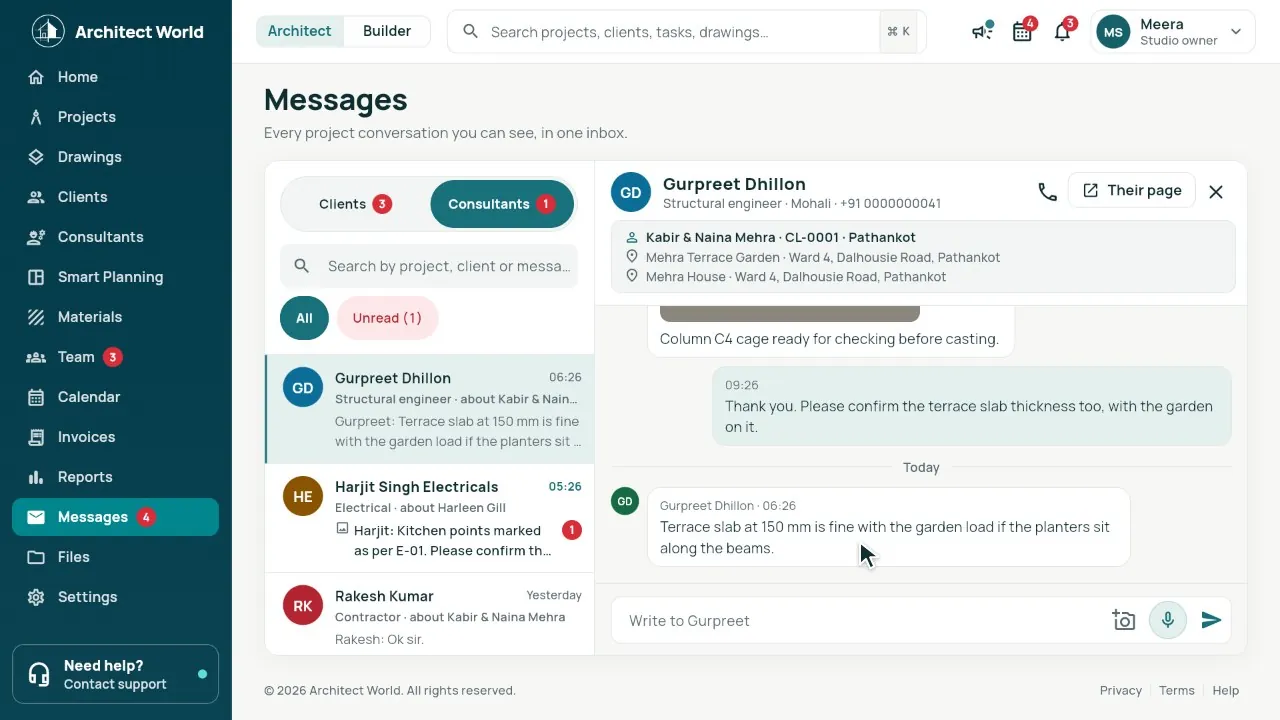
Real screens from our demo studio, Atelier Neev (fictional data).
Questions
Do consultants need an account?
No. They get a link; it asks a name and mobile once on each phone. You see who opened it and can switch it off.
Do consultants see the client’s phone or payments?
No. They see their clients’ names and sites and their own chats with you, nothing else.
Where are material shops?
In Materials, as before. This list is for the people who work on your sites.
Coming soon
Sign-up is coming soon
We’re launching very soon. Leave your name and an email or a mobile number, and we’ll tell you the day it opens.
More features
- Smart Planning
- One link per client
- Drawing register
- Mood board, 3D and Videos
- Material board
- Site pictures by stage
- Builder side
- Team check-in and Needs you
- Drawings: the index, and 3D from a PDF
- Smart Room Preview
- People and air
- Smarter whole plans
- 3D View and Walkthrough
- Realistic walkthrough
- Three layouts
- Facade designer
- Video export
- Ceiling designer
- Floors and Walls
- Materials from local shops
- AI Planning add-on
- Floors and the complete gym
- Location and sun
- Sharing with your site team
- Projects, drawings and invoices