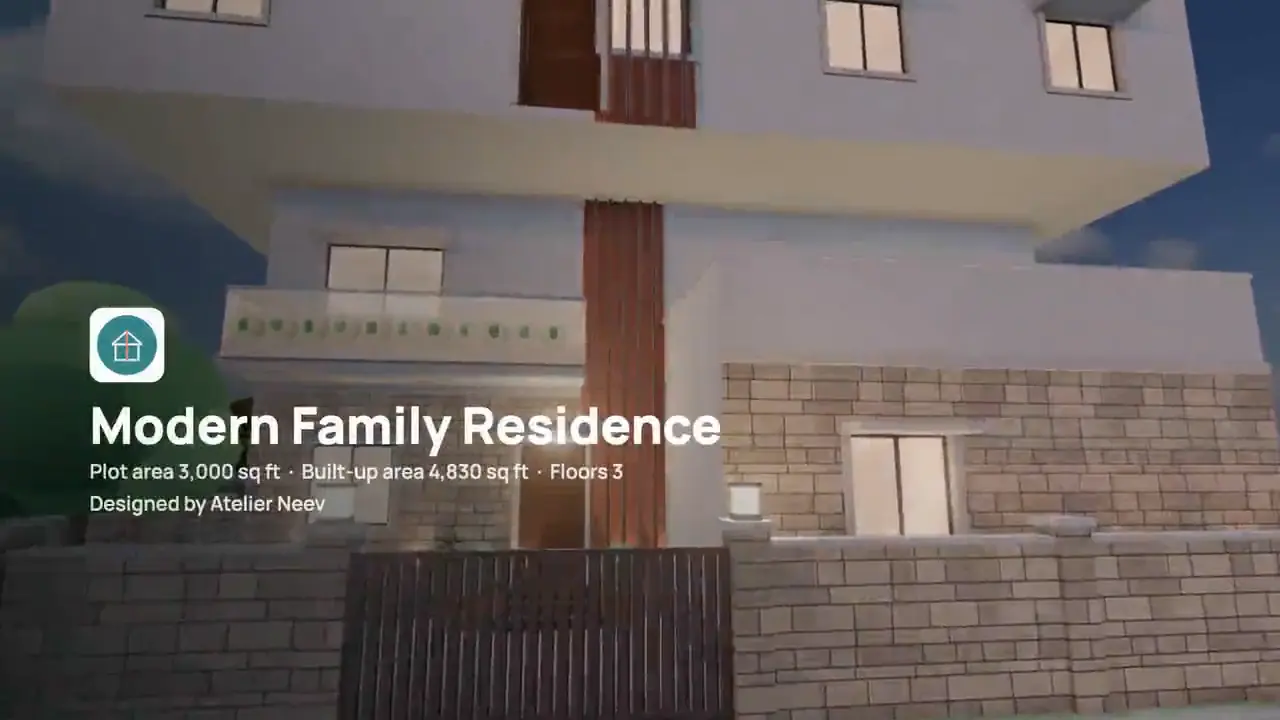
What it does
- The 3D tour, the drone tour or both; about a minute or the whole tour; 720p or 1080p.
- Room names on the video, and your studio’s logo at the start and the end.
- Drawn frame by frame at the highest quality, with a progress bar and the time left; Cancel any time.
- Download the MP4, or keep it in the project’s Files.
- Present: the tour full screen for a meeting, and a 3D tour link your client opens with no app or sign-in.
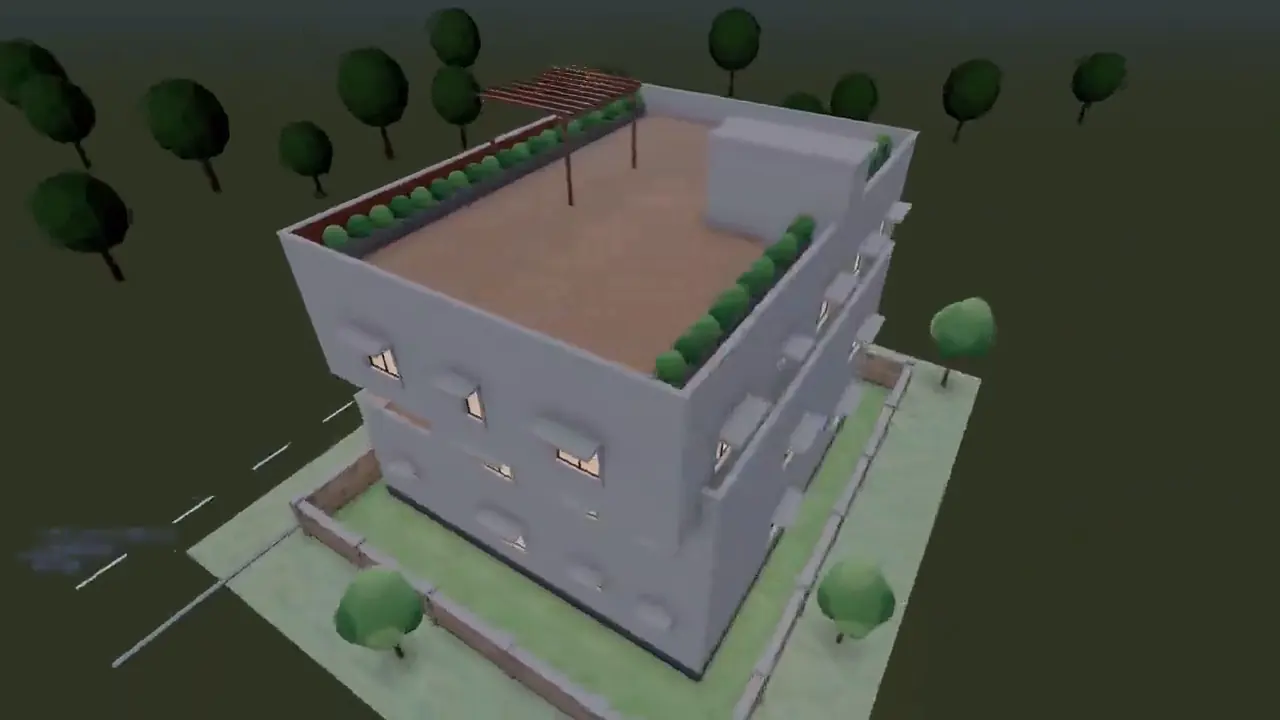
In the app
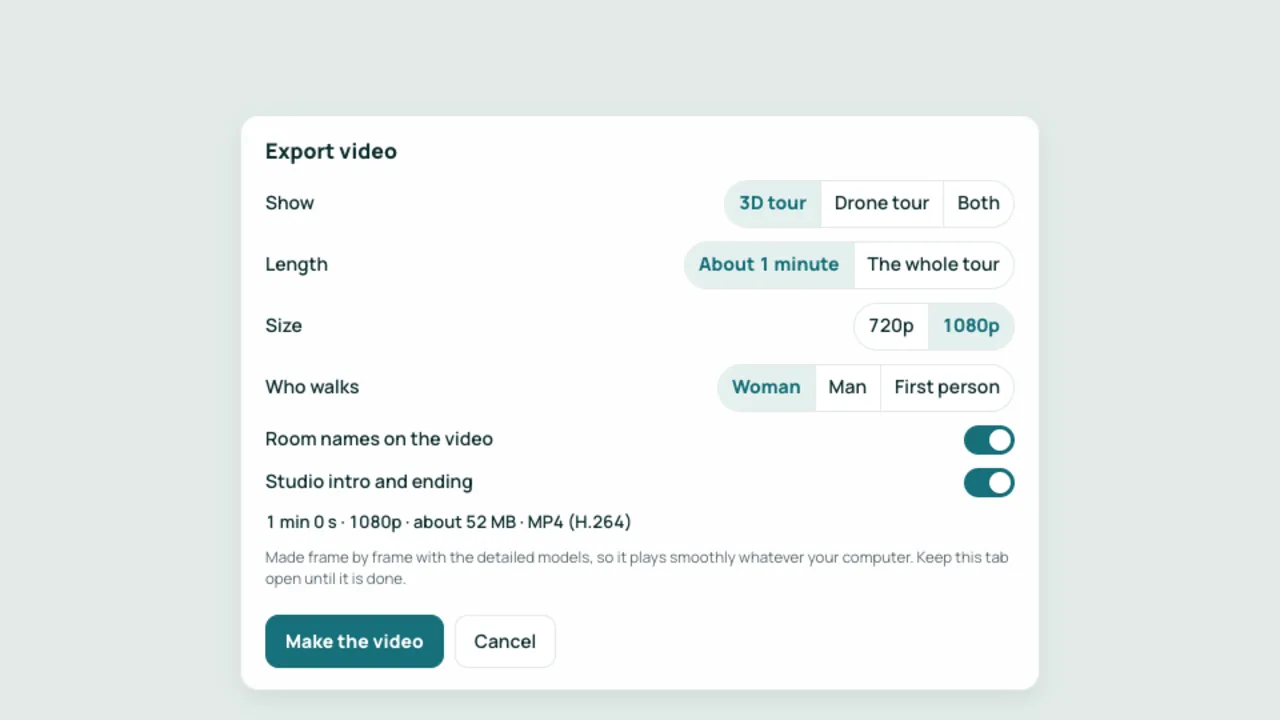
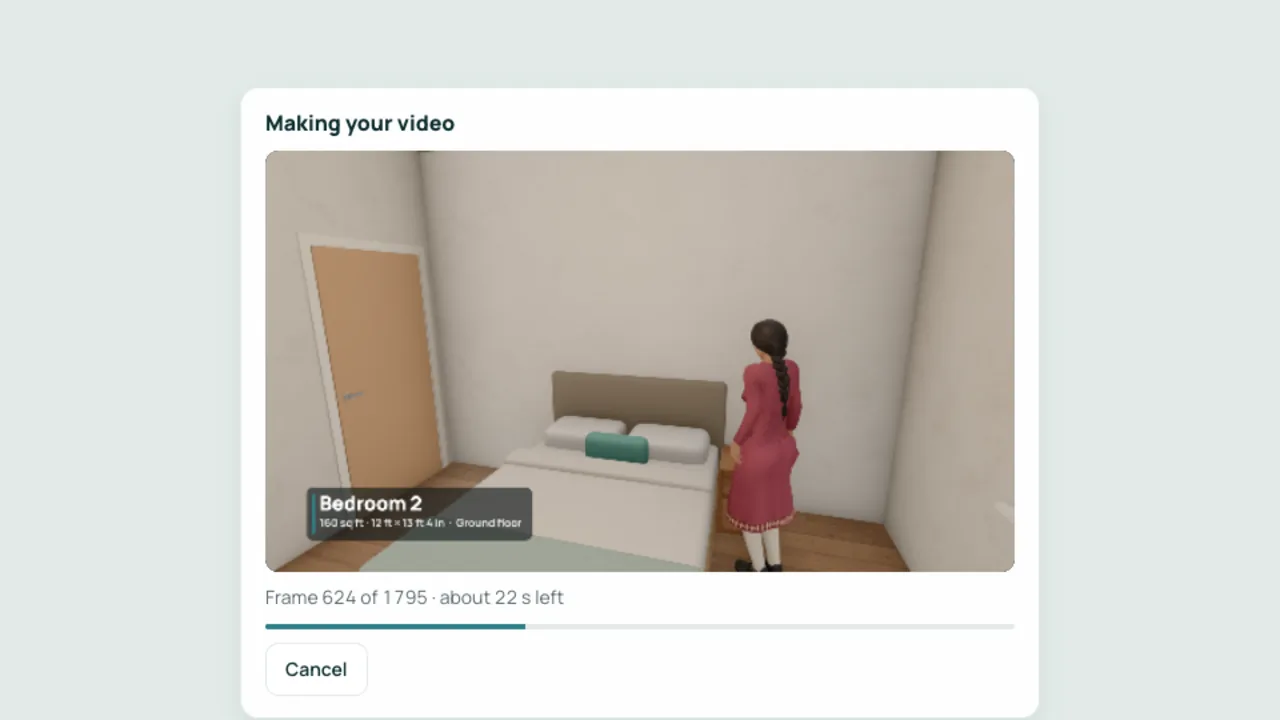
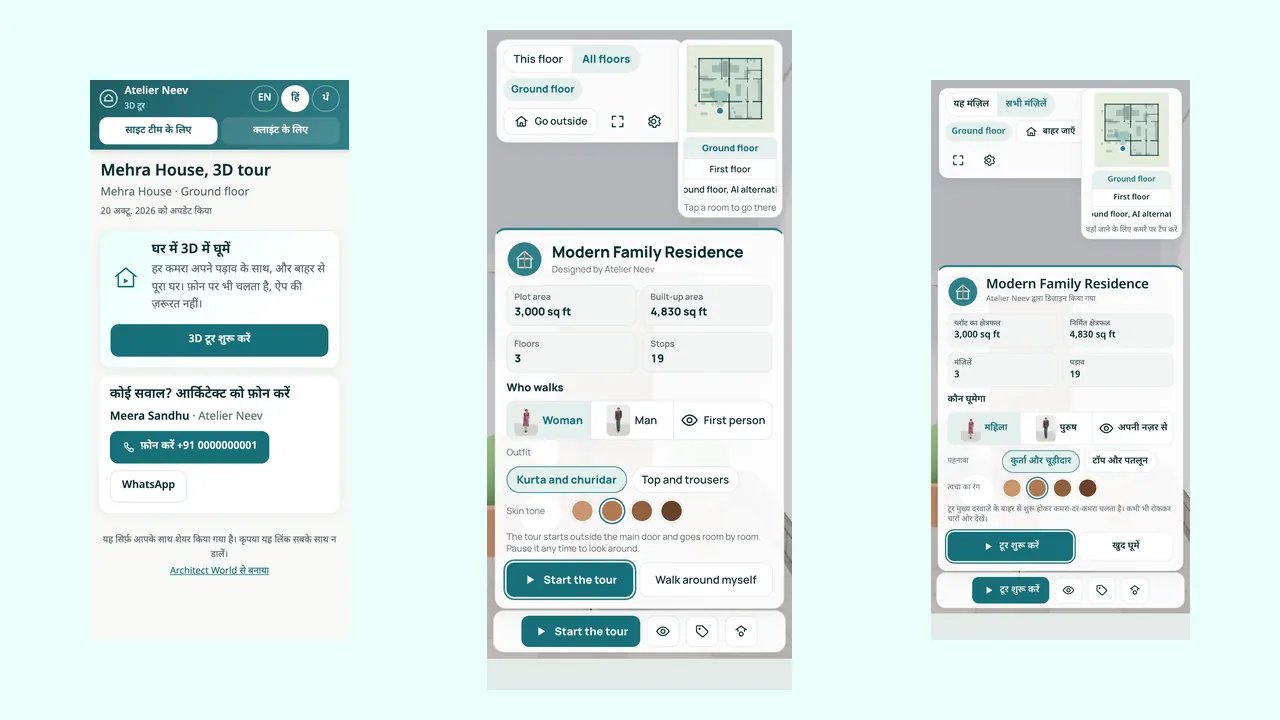
Real screens from our demo studio, Atelier Neev (fictional data).
Questions
Does it cost anything, or send my plan anywhere?
No. The video is made in your own browser, free; it goes to the server only if you keep it in the project.
Which browsers can make videos?
The latest Chrome, Edge or Safari on a computer. Other browsers say so, and you can still present the tour.
How long does it take?
About as long as the video on a recent computer, often less; the bar shows the time left.
Coming soon
Sign-up is coming soon
We’re launching very soon. Leave your name and an email or a mobile number, and we’ll tell you the day it opens.