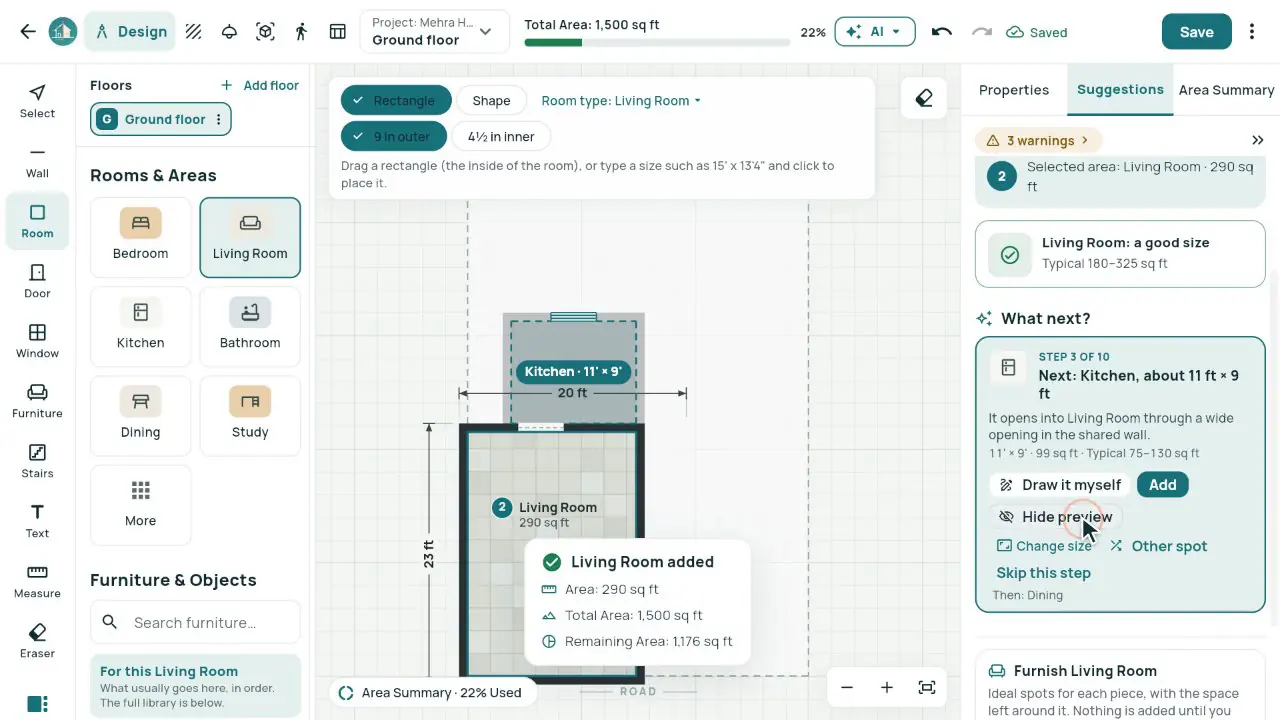
What it does
- Walls, rooms, doors, windows and stairs on a clean sheet; type 15' x 13'4" to draw a room exactly.
- Total, Used and Remaining at the top, updated with every room.
- What next? suggests the next room for this kind of building, its size and where it fits, with its door and window.
- Suggest furniture lays out a room at real sizes, with walking space around every piece.
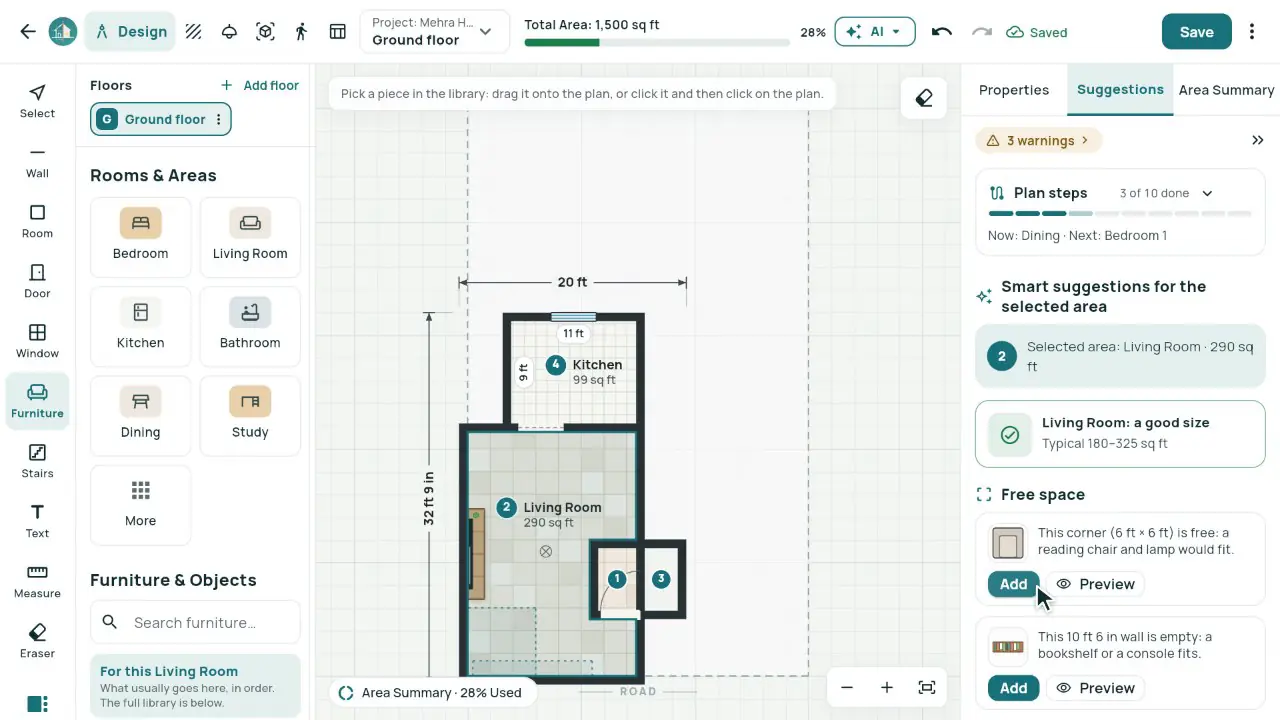
In the app
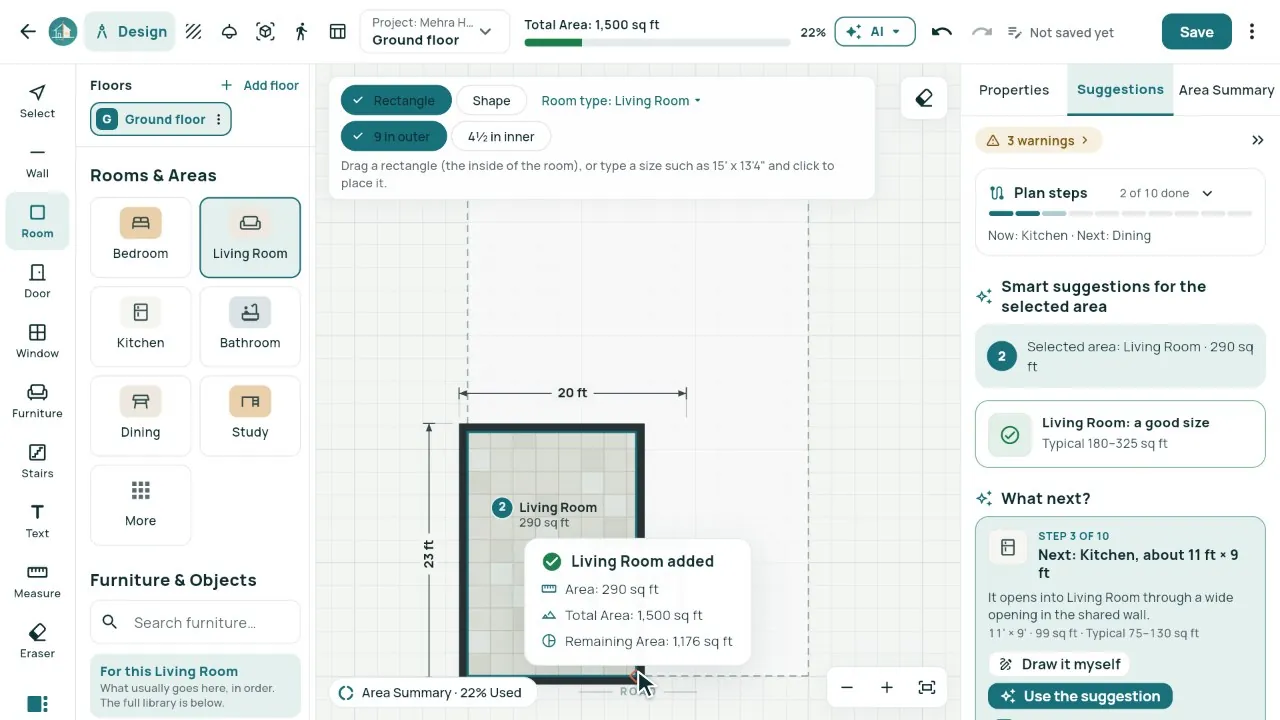
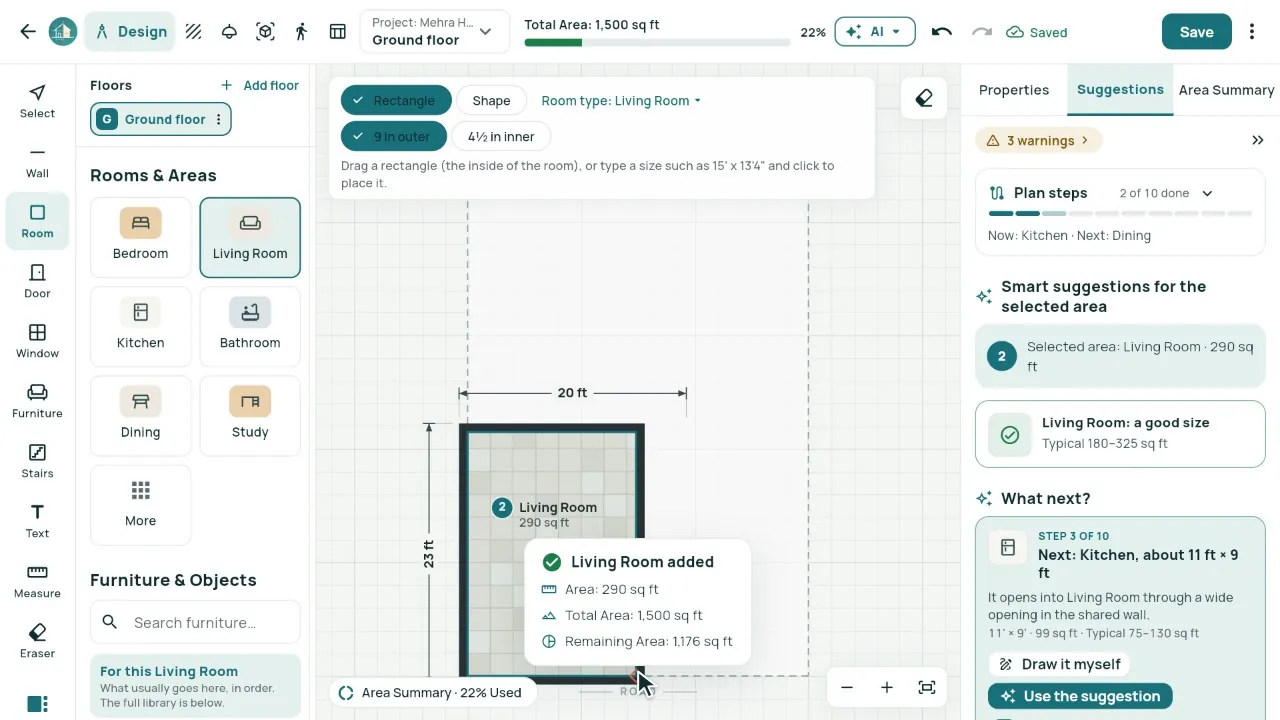
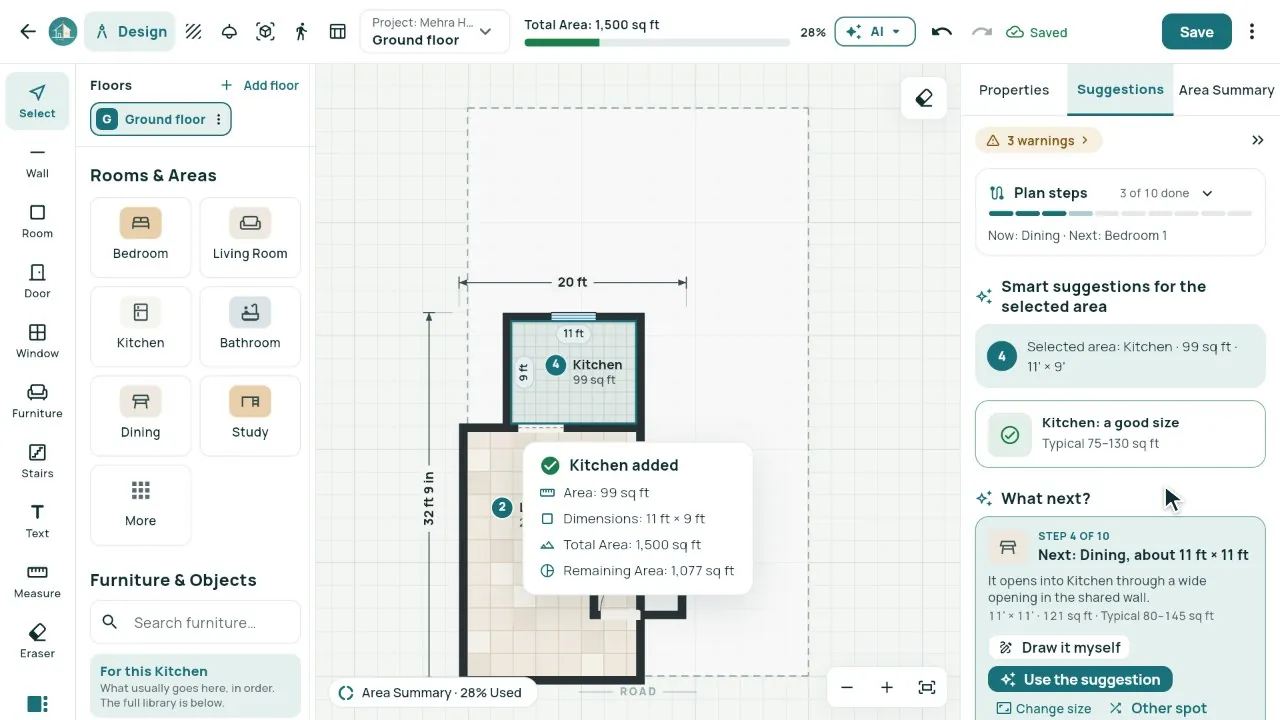
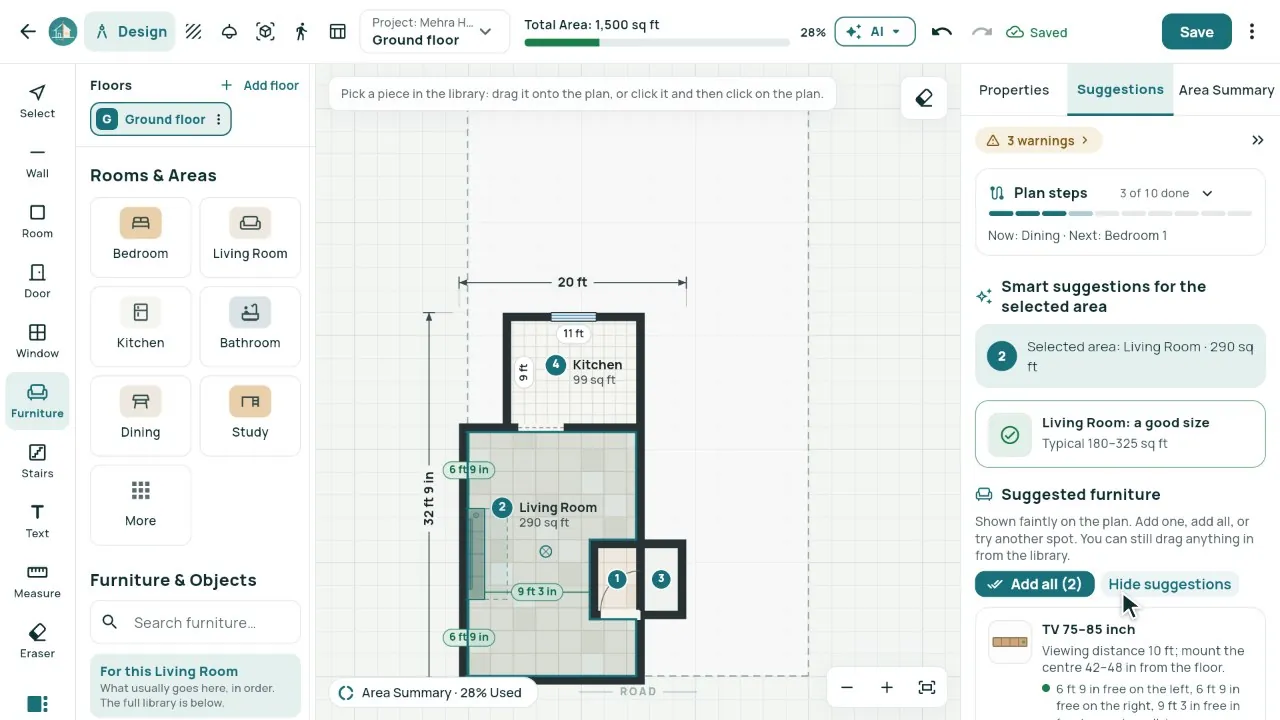
Real screens from our demo studio, Atelier Neev (fictional data).
Questions
Do I need to know CAD?
No. Click a room type, drag on the sheet or type its size. Everything stays editable, and undo takes any change back.
Are the suggestions AI?
No. They are free Smart suggestions from architectural rules: room sizes, walking space and what usually comes next. The AI Planning add-on is separate.
Feet or metres?
Both. Every plan keeps exact millimetres and shows feet and inches or metres, as you choose.
Coming soon
Sign-up is coming soon
We’re launching very soon. Leave your name and an email or a mobile number, and we’ll tell you the day it opens.