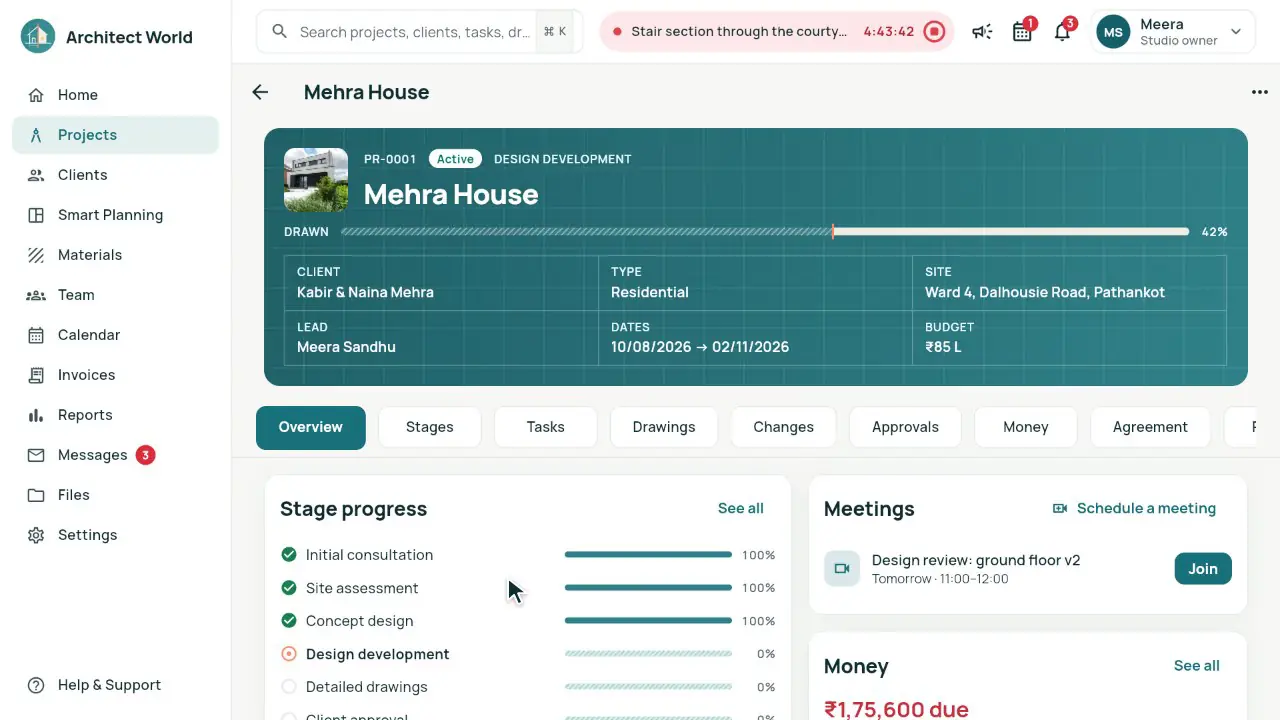
What you need
- A studio account; the owner, an architect or the accountant can make invoices.
- Your GSTIN in the studio profile. Without it, the app makes simple invoices without GST.
- The client on the project, and the fee set up (Project › Money › Set up the fee) for fee milestones.
- Your Payment details (UPI ID, bank account), so the PDF can show how to pay.
Steps in the app
- Open Invoices (Invoices and payments on a phone), press Create Invoice and pick the project. Or open the project’s Money tab and press Invoice all of it under Ready to bill.
- Press Add what is ready (completed fee milestones, accepted change-request fees, billable expenses, and time on hourly projects), or Type a line with its SAC (998322 is filled in), quantity and rate.
- In Invoice details, check Bill to, the Place of supply, the Client GSTIN (optional), the Due date, the Terms and the Language of the PDF.
- Check the totals and press Send invoice. It takes the next number for the financial year, like AW/2026-27/0001.
- The client sees it in their portal (and by email when it is set up), with a UPI QR code on the PDF. Record payment when the money comes; payment reminders go out around the due date unless you switch them off for the project.
How the GST is worked out
Each line is quantity × rate, rounded to the paisa. GST is worked out on the invoice’s whole taxable value, not line by line.
The same state (the place of supply is the state in the first two digits of your GSTIN): CGST 9% + SGST 9%, each rounded to the paisa. Another state: IGST 18%.
The total is rounded to the nearest rupee; any difference shows as Round off. The amount in words uses the rounded total.
Invoice numbers run per financial year from 1 April, with no gaps; the invoice date is the day you send it. The PDF says "Tax payable on reverse charge: No".
Worked example
Atelier Neev, a fictional studio in Mohali, Punjab (GSTIN state 03), has a fee of 4% of a ₹62,40,000 construction cost: ₹2,49,600. The concept design milestone is 20% of it, ₹49,920, and the client accepted change request CR-001 for ₹7,500. Both go on one invoice.
| Fee milestone: Concept design · 20% | ₹49,920.00 |
|---|---|
| CR-001 · Change request fee | ₹7,500.00 |
| Taxable value | ₹57,420.00 |
|---|---|
| CGST 9% | ₹5,167.80 |
| SGST 9% | ₹5,167.80 |
| Round off | +₹0.40 |
| Total | ₹67,756.00 |
| Taxable value | ₹57,420.00 |
|---|---|
| IGST 18% | ₹10,335.60 |
| Round off | +₹0.40 |
| Total | ₹67,756.00 |
Common mistakes
- No GSTIN in the studio profile: the app then makes simple invoices without GST.
- The wrong place of supply: it decides CGST + SGST or IGST. The app fills it from the project’s site city, then the client’s GSTIN or city; check it before you send.
- Expecting to change the invoice date: it is the day you send the invoice, and drafts have no number until then.
- Billing time on a fixed-fee project: the app adds time only on hourly projects (or ones without a fee), so it isn’t billed twice.
Questions
Can I change the GST rate?
No. The app uses 18%: CGST 9% + SGST 9%, or IGST 18%.
Which SAC code does it use?
998322 on every line by default; you can change a line’s SAC.
What if my studio is not registered for GST?
Leave the GSTIN empty. Invoices are then simple invoices, and the PDF says no GST is charged.
Can I give a discount?
There is no discount line; issue a credit note to reduce an invoice.
Does the app file GST returns or make e-invoices?
No. It makes and numbers the invoices, records payments and exports them to Excel.